
Angle grinders in 3D
Open every part of the angle grinders and their discs. Find the disc guard on both grinders, compare the nameplate speed with the disc marking, find the paddle switch and its lock-off lever, the plug, spindle lock, flange spanner and lock nut used to change a disc, and the side handles.
- Tasks
- 9 tasks
- Languages
- English
- Saved
- Inside a course
Play it here
The simulations are for familiarization and practice. They do not replace hands-on training and a practical evaluation by a competent person.
What you will do
- 1Open every part of the angle grinders and their discs
- 2Find the disc guard on both grinders
- 3Find the two speeds to compare: the nameplate and the disc marking
- 4Find the paddle switch and its lock-off lever
- 5Find what you use to change a disc: plug, spindle lock, flange spanner and lock nut
- 6Find the cutting disc and read its warning sign
- 7Find the side handle on both grinders
- 8Find the face shield
- 9Press Finish exploring when you are done
9 tasks
Built to
- US 29 CFR 1910.243(c) Portable abrasive wheels
- US 29 CFR 1910.215 Abrasive wheel machinery (flanges, ring test, speed)
- UK HSE HSG17 Safety in the use of abrasive wheels
- EN 12413 (safety requirements for bonded abrasive products)
Aligned with these documents; not approved by the bodies that wrote them.
Reviews
What learners say about Angle grinders in 3D.
No reviews yet
Be the first to say what Angle grinders in 3D was like.
Sign in and finish one run first. We check every review before it is shown.
More simulations
All simulations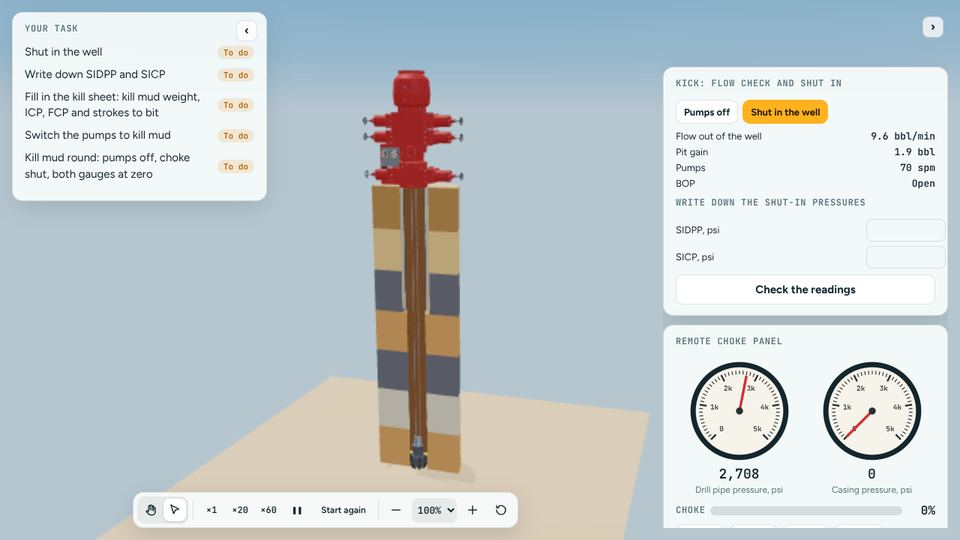 Well kill assessmentDrillingAssessment. Shut in a kick, fill in the kill sheet and circulate kill mud until the well is dead.5 tasks · Pass mark 80%
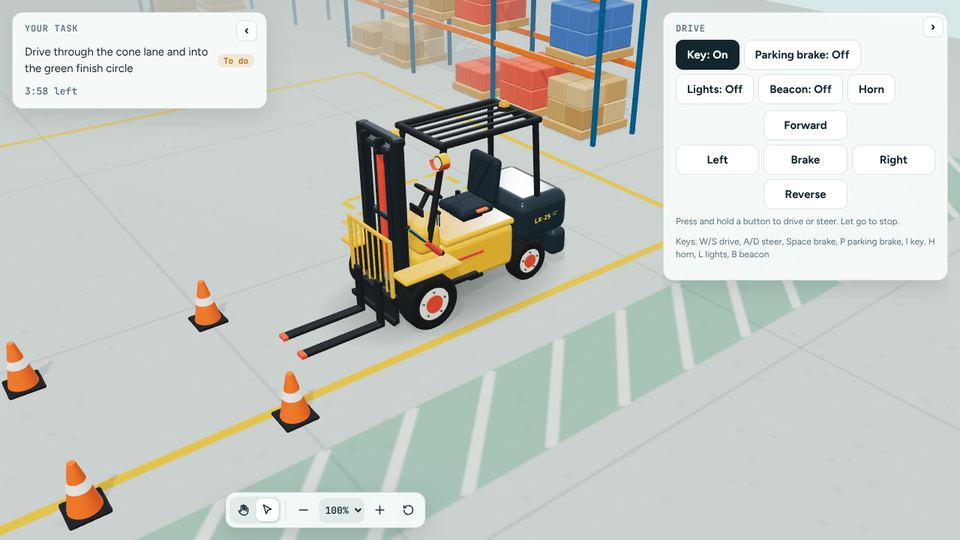 Rear-wheel steering simulation | ForkliftMaterials handlingDrive the LX-25 electric counterbalance forklift (2.5 t) through the cone lane and into the green finish circle.1 task · Pass mark 70%
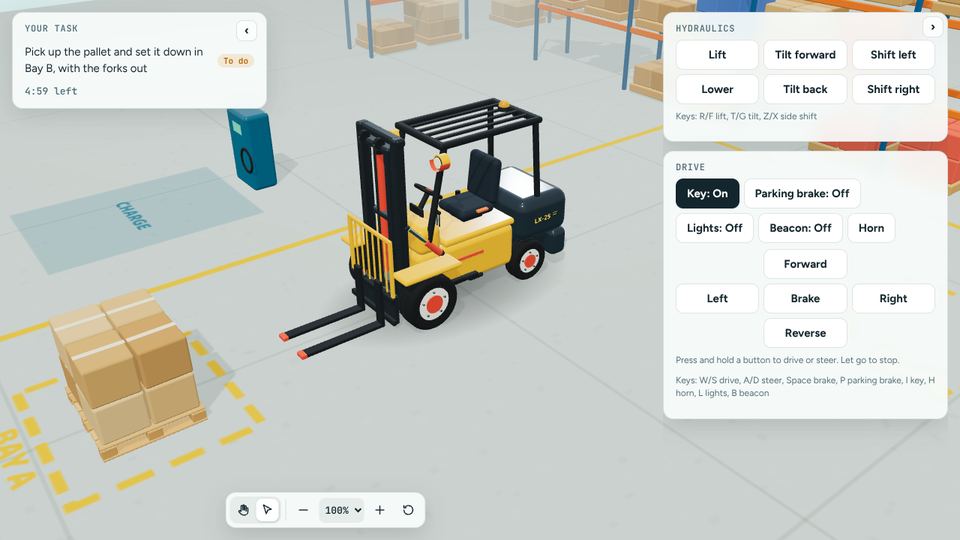 Fork height, tilt and travelMaterials handlingPick up a pallet and carry it to Bay B with the forks low and the mast tilted back.1 task · Pass mark 70%
For teams
Your site, your equipment, your procedures
The demos use the same engines we build for customers. Tell us the task and we build it; you review each stage.